
 PomoZentra
You want the week to stay visible
Use PomoZentra when completed rounds should be compared with planned work areas, so a crowded week cannot hide a neglected priority.
Pomofocus helps run today's Pomodoro sessions. PomoZentra connects completed rounds to the week you intended to have.
Both can support focused work. The decision is whether you mainly need a customisable timer with daily tasks and reports, or a focus workflow that begins with weekly work areas and ends with Plan Alignment.
Skip to the verdictTimer and tasks work without an account. Weekly planning and reports require free sign-in. No card required.
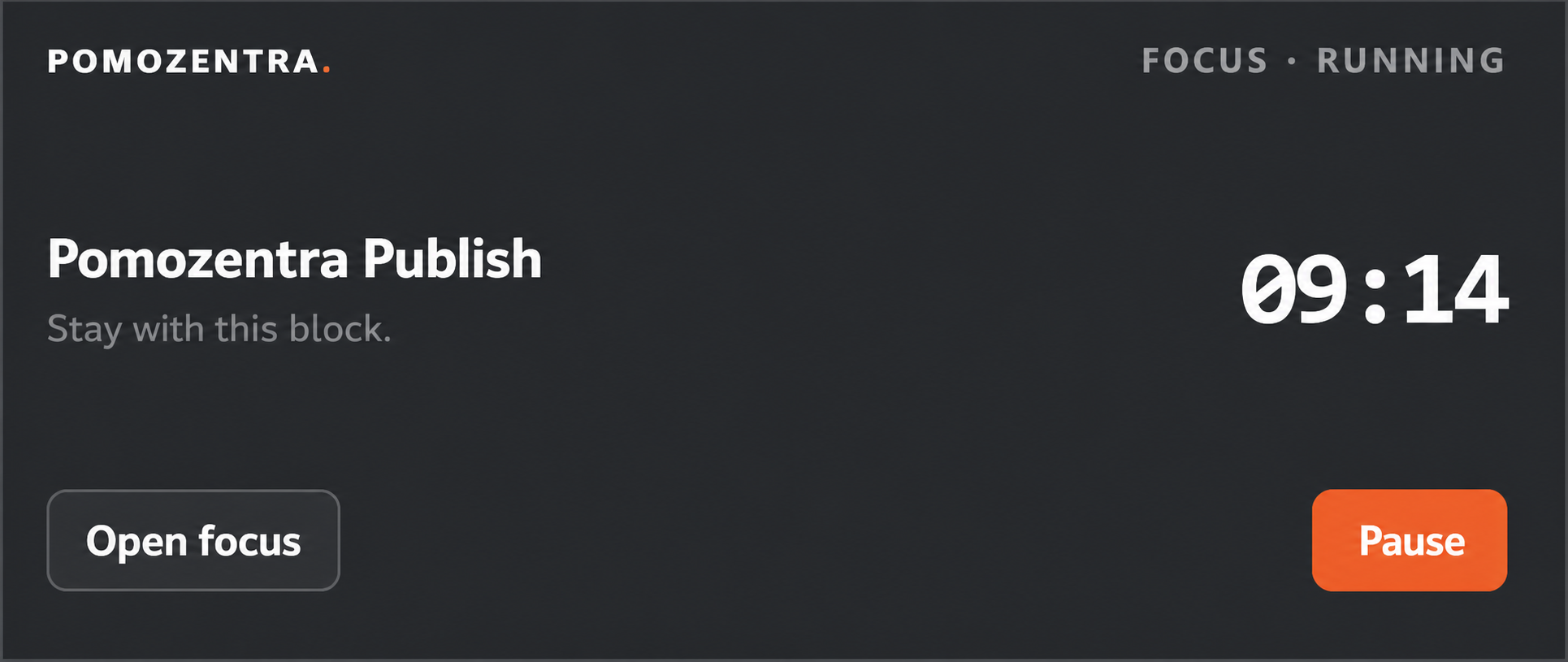
Pomofocus and PomoZentra overlap at the focus-session level, then answer different questions after the timer stops.
Use PomoZentra when completed rounds should be compared with planned work areas, so a crowded week cannot hide a neglected priority.
Use Pomofocus when tasks, Pomodoro estimates, templates, custom timer settings and daily-to-monthly focus reports cover the decision you need to make.
The differentiator is not another countdown. It is the loop around the countdown.
Choose the areas that matter this week and assign planned rounds by day.
Run a task in the browser or floating timer, then log the completed or partial round.
Compare planned and completed rounds by work area while there is still time to adjust the week.
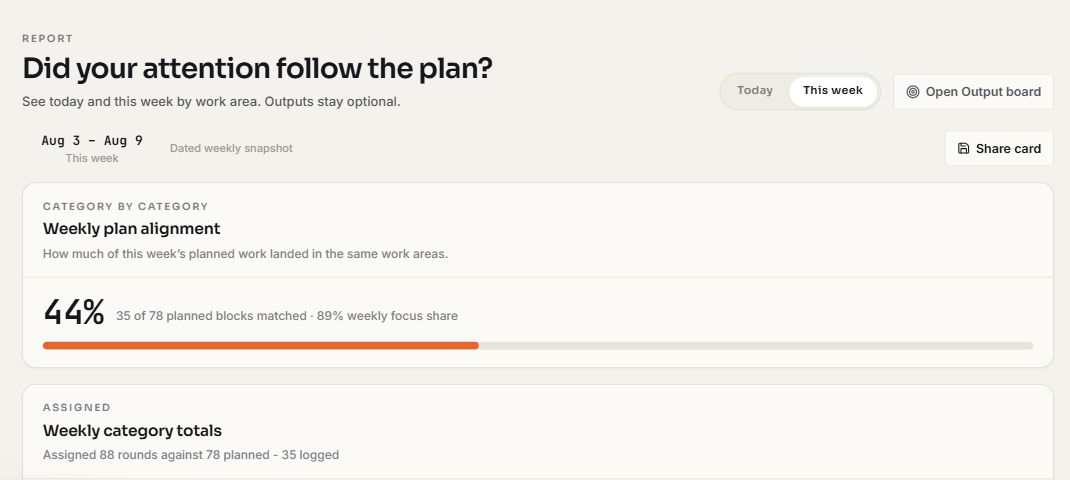
Six decision factors matter more than a long checklist.
| Decision factor | What it means | PomoZentra | Pomofocus |
|---|---|---|---|
| Starting a session | How quickly you can move from opening the product to focused work. | Start the timer and lightweight tasks without an account. Supported desktop browsers can open the floating timer. | A customisable Pomodoro timer built around selecting a daily task and starting its estimated rounds. |
| Task planning | Whether the product organises today's tasks or the shape of the whole week. | Lightweight tasks sit inside a weekly plan organised by work area and planned rounds. | Daily tasks can carry Pomodoro estimates, and recurring task sets can be saved as templates. |
| Review horizon | What the reports help you understand after sessions are complete. | Weekly Plan Alignment compares completed rounds with the plan for each work area. | Visual reports show focused time across daily, weekly and monthly views. Yearly reports are listed as premium. |
| Integrations | Whether the timer needs to connect to an existing task or automation stack. | No third-party task integrations or public API. The focus workflow is self-contained. | Its official page lists Todoist and webhook integrations as premium features. |
| Data export | How you take your activity history out of the product. | Free sign-in includes focus-log CSV and workspace JSON export. | Its official page lists CSV report downloads as a premium feature. |
| Best fit | The recurring decision each product is designed to support. | Did completed focus rounds follow the work areas planned for this week? | What task should I focus on now, and how much focused time have I recorded? |
The important distinction is which workflow is available at the point you need it.
No card is required. Timer and tasks work as a guest. Free sign-in unlocks weekly planning, outputs, alignment, reports, exports and sync.
Pomofocus lists projects, yearly reports, CSV downloads, unlimited templates, Todoist, webhooks and no ads as premium features. Check its official page for current access terms.
Check the current official detailsNeither product needs to be weakened for the distinction to be clear.
PomoZentra statements were checked against the current product and repository. Pomofocus statements use the official sources below. Pricing can change, so current plan details stay on the competitor's own site.
Pomofocus centres the workflow on a Pomodoro timer, daily tasks, estimates and focused-time reports. PomoZentra adds a dated weekly plan by work area and compares completed rounds with that plan.
Yes. If a customisable timer, daily tasks and focused-time reports answer your needs, Pomofocus is a direct fit. PomoZentra becomes relevant when weekly priority alignment is the missing layer.
Yes. The timer and tasks work without an account. Weekly planning, outputs, alignment, reports, exports and sync require free sign-in.
No. PomoZentra does not currently import Pomofocus history. Its weekly comparison depends on a plan created inside PomoZentra, so old focused-time records would not have a matching plan.
Yes. Supported desktop browsers can open a Picture-in-Picture panel with the task, current step, remaining time and timer controls. The timer continues in the browser tab when Picture-in-Picture is unavailable.
Start a round without an account. If the missing question is weekly alignment, sign in free and create the plan that future rounds will be measured against.