
 PomoZentra
A Pomodoro planning method for a week you can check
PomoZentra is a free online Pomodoro timer with tasks, weekly planning, and Plan Alignment. Plan Alignment compares your completed focus rounds with the week you planned, work area by work area.
You choose the work areas, set the plan, and record what each round moved forward. The product does the arithmetic; it does not detect attention.
Timer and tasks work without login. All current features are free. No card required. Free sign-in unlocks planning, Plan Alignment, reports, exports, history, and sync.
Setting up your first week step by step is covered in the setup guide.
A round total cannot show whether the week followed the plan
A completed-round count tells you how much focus happened. It cannot tell you whether the areas that mattered this week received the focus you intended for them, because a total has no reference point to compare against.
The same total, two different weeks
Ten completed rounds is one number. It reads identically whether those rounds went where you planned or drifted somewhere easier. Without a plan to compare against, the total cannot separate the two.
One total lets a surplus cover a shortfall
Averaged into a single figure, extra rounds in a comfortable area quietly offset the area you postponed. Plan Alignment caps credit per work area precisely so that cannot happen. Why the total is the wrong unit.
This is a difference in what is measured, not a claim about what other focus apps offer. Many good timers exist; they are answering a different question.
How PomoZentra's Pomodoro planning loop works
Four steps: Decide, Run, Record, Review. Weekly Pomodoro planning is the first step, and the one that gives every later number something to mean.
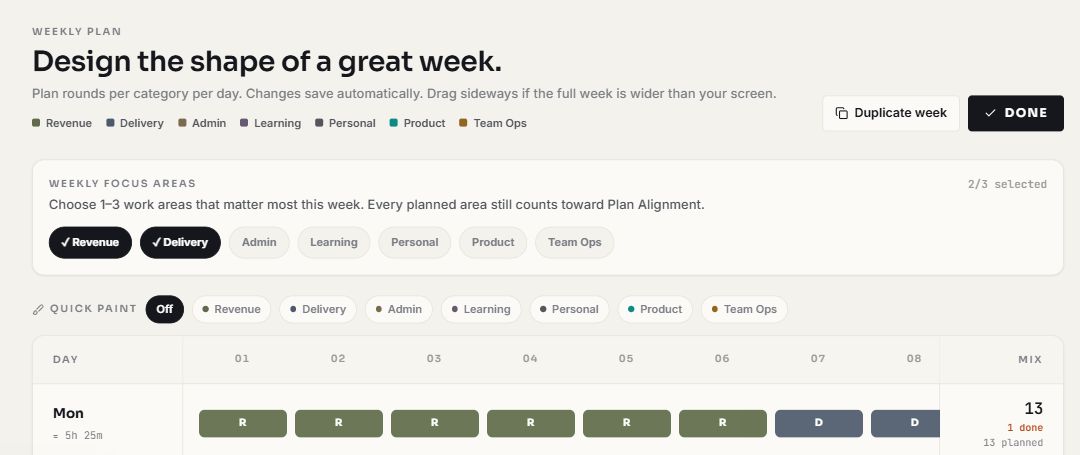
- DecidePlan rounds by work area for each day, and select up to three focus areas for the week. Requires free sign-in.
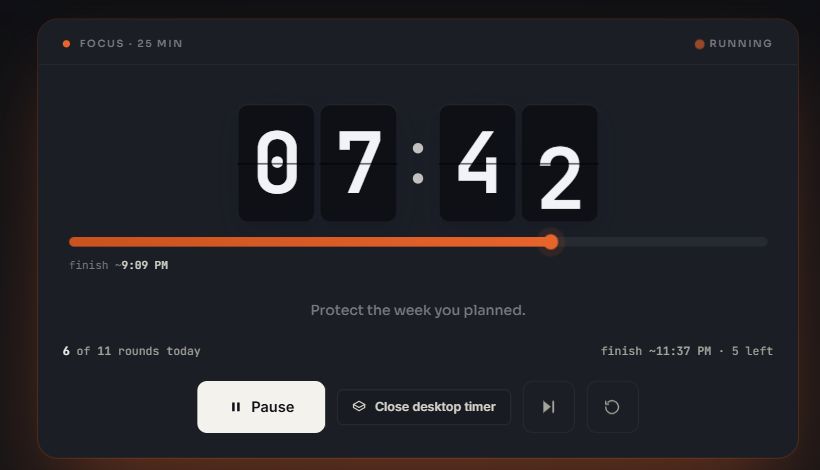
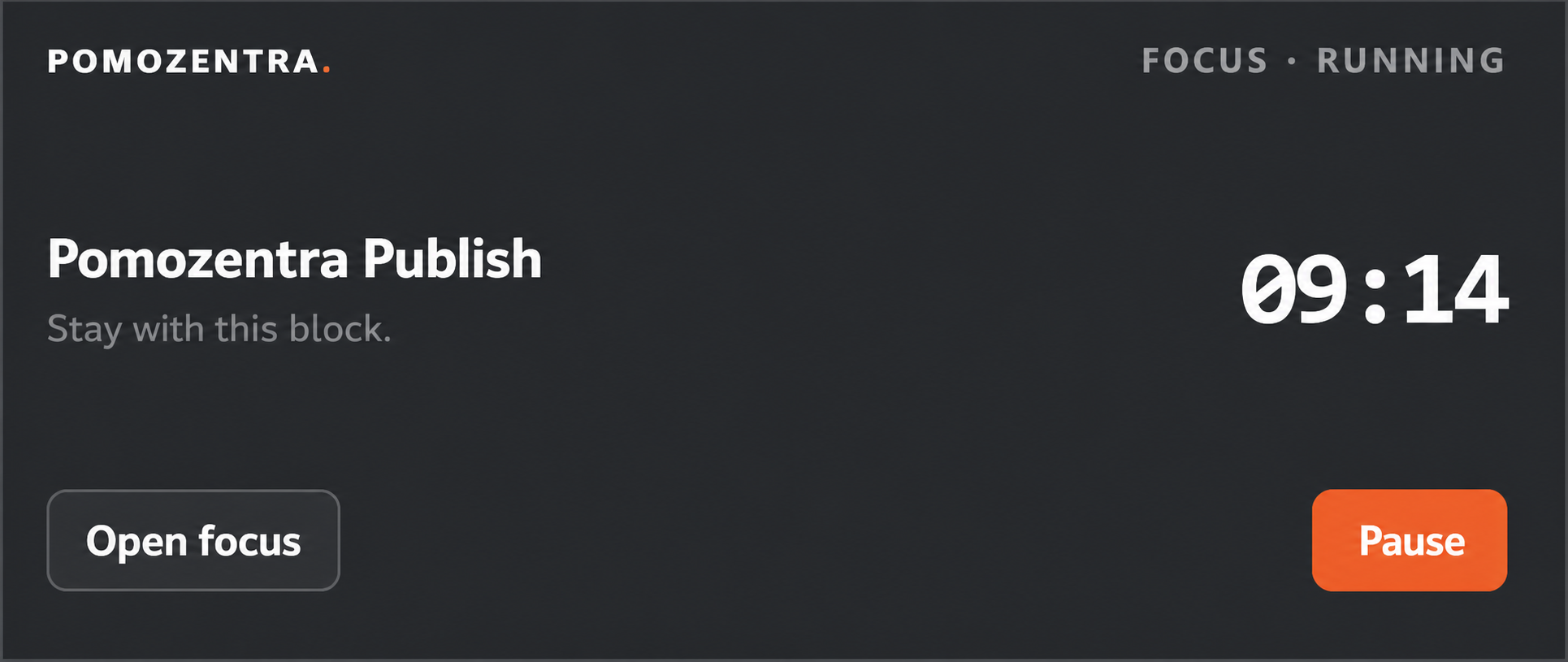
- RunStart a focus round. Focus and break lengths are editable, and the round can open in a floating panel where your browser supports it. Works without login.
- RecordWhen the round ends, choose the work area and answer whether it moved the work forward: Yes, Partly, or No. Outputs are optional and available to signed-in users.
- ReviewCompare completed focus with the plan, area by area, and decide what the next block should be. Requires free sign-in.
You record the progress. PomoZentra never infers it. For the full setup walk-through, follow the setup guide.
The method inside PomoZentra
The timer is usable immediately. A free account connects it to the weekly plan and the review that make the method work.
Without an account
Run focus, short-break and long-break rounds, and keep a task list. Everything stays in that one browser. The floating Picture-in-Picture panel is available where the browser supports it.
With a free account
Weekly planning by work area, optional outputs, Plan Alignment, reports, history, CSV and JSON export, and cross-device sync. All current features are free and no card is required. How your data is handled is set out in the privacy policy.
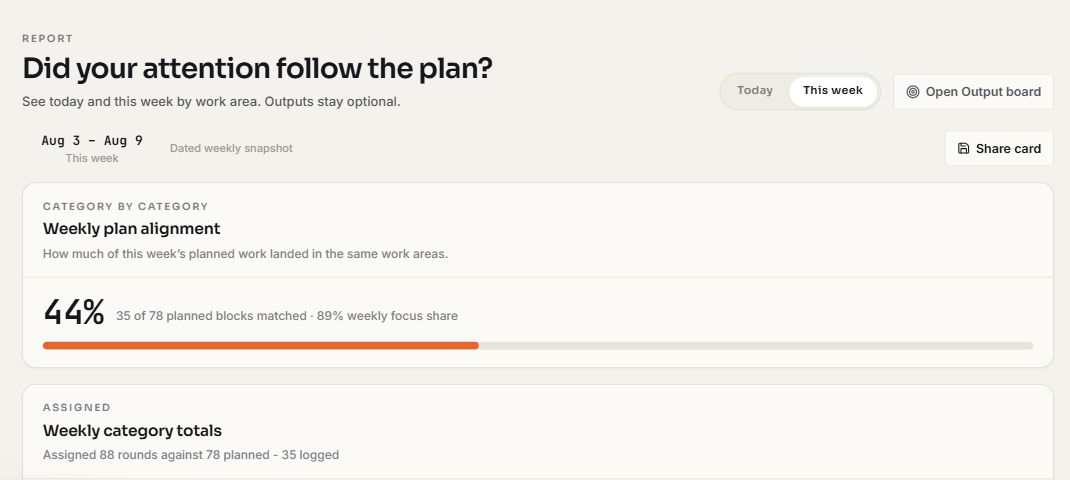
Two numbers, two different questions
They are reported separately on purpose, because they fail in different ways.
Plan Alignment
Of the rounds you planned for each work area, how many you effectively completed in that same area. A round answered Yes counts as one, Partly as exactly half, and No as zero.
Weekly Focus Share
Of the focus rounds you completed, the share that landed in the one to three areas you named as this week's focus. Waste and manual output entries are excluded.
You can be fully aligned to a week you planned badly, and you can hold a high focus share while still missing the plan. Blending them would let one hide the other. Read why the two numbers stay separate, or why Partly counts as half.
Why extra rounds in one work area do not erase another shortfall
Credit for a work area is the smaller of what you planned and what you effectively completed. Matched credit is then summed and divided by the total rounds planned.
Illustrative example, not customer data
| Work area | Planned | Effective | Matched | Gap |
|---|---|---|---|---|
| Revenue | 4 | 4 | 4 | 0 |
| Delivery | 3 | 1.5 | 1.5 | 1.5 short |
| Admin | 2 | 3 | 2 | 1 over, not credited |
| Total | 9 | 8.5 | 7.5 | 83% |
Delivery is effectively 1.5 because one of its two completed rounds was answered Partly. Admin ran one round more than planned; that extra round is recorded, but credit stops at the 2 that were planned for it.
Comparing 8.5 effective rounds against 9 planned would give roughly 94%. That is a counterfactual calculation shown only for contrast — it is not PomoZentra's score. The capped figure is 7.5 matched of 9 planned, which is 83%, and it carries a question the blended number does not: which area, and how far behind?
The calculation is automatic. The judgement remains yours.
PomoZentra counts, matches, stores and reports. Every decision that could be got wrong stays with you.
There is no recommendation engine and no auto-planner. AI-assisted reviews and planning are a future direction, not a current feature, and Plan Alignment will stay a deterministic calculation. More on who builds this on the about page.
Designed for people who plan their own focused work
The method assumes you choose how your focus is allocated across areas of work, and that the allocation is worth checking.
Founders
Selling and building compete in the same week. Plan both, then see which one actually got the rounds.
Freelancers
Client work and finding the next client, planned as separate areas rather than a single busy day.
Creators
Creation and distribution planned as distinct rounds, so publishing does not consume the next week.
Consultants
Delivery and business development split across the week, and checked against the split you chose.
Not designed for team time billing, employee monitoring, or large project assignment workflows. If hourly billing is the real requirement, compare PomoZentra with Toggl Track. If the decision is between a direct daily timer and this weekly method, compare PomoZentra with Pomofocus.
Pomodoro planning questions
Is PomoZentra free?
Yes. All current features are free and no card is required. There is no paid plan currently planned, and there is nowhere in the product to enter payment details.
What works without an account?
The Pomodoro timer and your task list, stored in that one browser. Weekly planning, optional outputs, Plan Alignment, reports, history, exports, and cross-device sync need a free sign-in. Full details are in the complete FAQ and the privacy policy.
How is Plan Alignment calculated?
For each work area, matched credit is the smaller of the rounds you planned and the rounds you effectively completed in that area. Alignment is total matched divided by total planned. Yes counts as one round, Partly as exactly half, No as zero.
What does Partly mean?
That the round moved the work forward without finishing what you were after. It counts as half a round toward that area, which makes an honest answer cheaper than rounding up to Yes. More on why half.
Can I edit a weekly plan?
You can change the current week's plan, and you can rename, recolour, replace and re-prioritise work areas at any time. What the product does not offer is rewriting a past week to match what happened, because a plan edited after the fact stops being something to compare against.
Does the floating timer work in every browser?
No. The floating panel uses the browser's Document Picture-in-Picture support, so it opens on desktop browsers that provide it. Where it is unavailable the timer keeps running in the app tab as normal.
How much data do longer-range patterns need?
Plan Alignment is useful from the first planned day, because it only compares today against today's plan. The wins-and-leaks readout stays silent until at least ten rounds are logged in the window, rather than presenting noise as a finding.
Plan the week, or start the next round now
The timer works straight away. The plan and the comparison are there when you want the week to be checkable.
All current features are free. No card required.